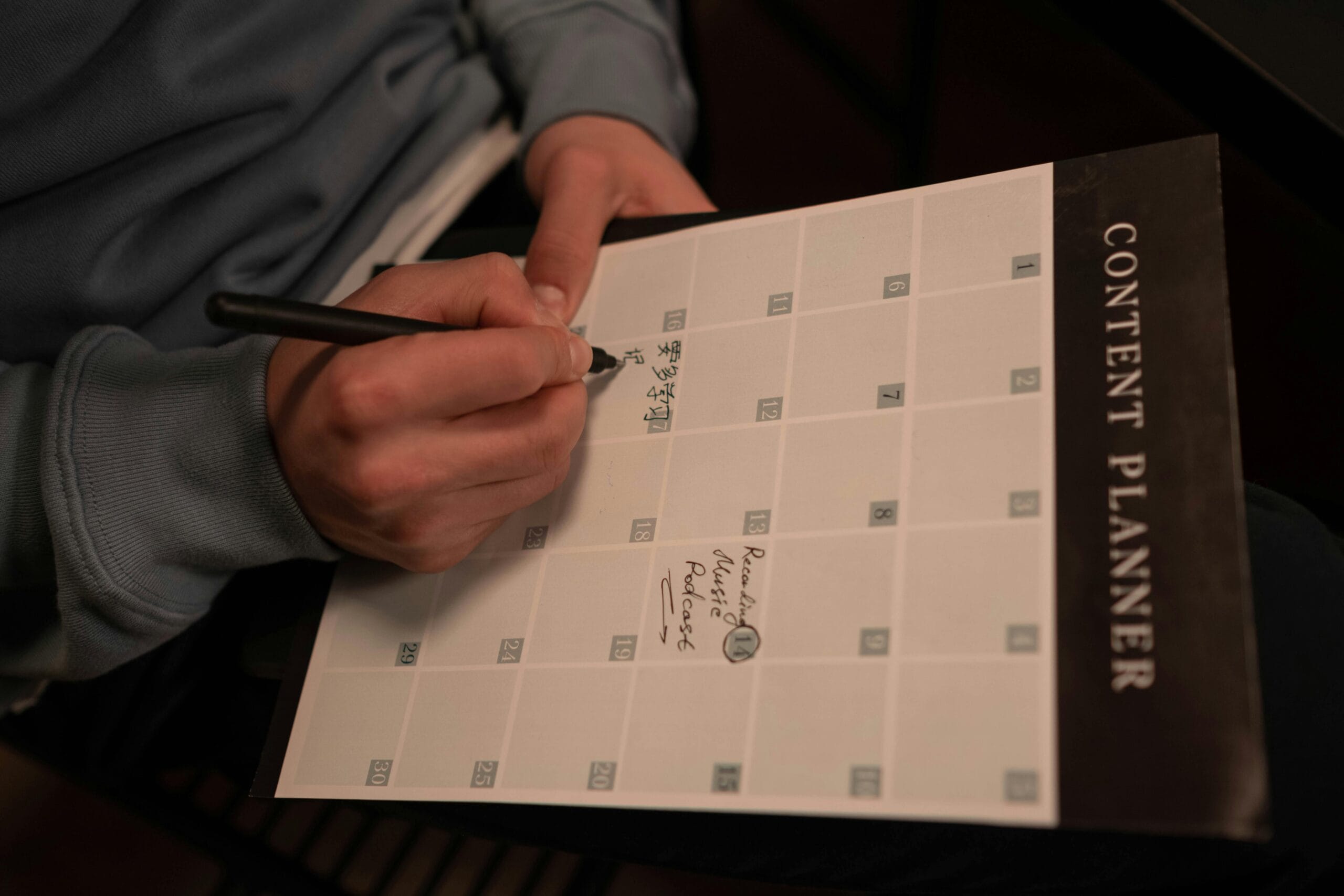
Blog post planning is the difference between a stressed blogger and a consistent creator with a clear publishing system.
If you’ve ever stared at your screen wondering what to publish next week, you’re not alone. Many bloggers constantly feel behind schedule. One day you finish an article, and the next day you realize you have no idea what the next post will be.
I used to feel the same way.
That constant pressure eventually leads to burnout. Writing becomes stressful instead of creative.
But everything changed when I started planning my content in advance.
Instead of scrambling for ideas every week, I began planning an entire month of blog posts in a single day.
This simple system transformed my workflow. It allowed me to stay consistent, improve my SEO strategy, and focus more on writing rather than worrying.
In this guide, you’ll learn how blog post planning works and how you can organize a full month of content in just one day.
Table of Contents
ToggleWhat Is Blog Post Planning?
Blog post planning is the process of organizing your blog ideas, keywords, and publishing schedule in advance.
Instead of deciding what to write every week, you create a structured content plan that guides your entire month.
This system helps bloggers:
stay consistent
improve SEO strategy
reduce stress
maintain creative momentum
When you know what you will publish ahead of time, writing becomes much easier.
Why Blog Post Planning Improves Consistency
One of the biggest productivity killers in blogging is switching between tasks.
You brainstorm ideas one day, research keywords another day, and outline posts later.
Each time you switch tasks, your brain loses focus.
Blog post planning solves this problem through content batching.
Understanding Content Batching
Content batching means performing similar tasks together.
Instead of spreading work across the week, you group tasks into focused sessions.
Traditional Method
Monday → brainstorm ideas
Tuesday → research keywords
Wednesday → outline posts
This approach often slows down productivity.
Batching Method
One session → brainstorm ideas
Next session → research keywords
Next session → outline posts
By batching similar tasks, your brain stays focused and productive.
The Three Main Benefits of Blog Post Planning
Blog post planning provides several important advantages.
Guaranteed Consistency
A planned content calendar ensures you always know what to publish next.
Better SEO Strategy
Each article targets a specific keyword, which improves search visibility.
If you want to understand how SEO connects to content strategy, explore SEO for Creators: Smart Search Strategies to Grow Your Content in 2026.
Reduced Stress
Knowing your monthly plan removes the pressure of last-minute writing.
Phase 1: Preparation Before Your Planning Day
Before starting your blog post planning session, prepare the right tools.
Preparation ensures your planning day remains productive.
Essential Tools for Blog Planning
You don’t need expensive tools. Simple tools work perfectly:
Google Sheets for content calendars
Notion or Trello for tracking ideas
Keyword tools for SEO research
For example, data from Google Search Console can reveal which keywords already bring traffic to your blog.
This helps you plan smarter topics.
Review Your Previous Content Performance
Before planning new articles, analyze what already works.
Look at your previous posts and ask:
Which posts received the most traffic?
Which keywords generated impressions?
Which articles performed poorly?
This information helps you refine your blog post planning strategy.
How to Plan a Month of Blog Posts in One Day
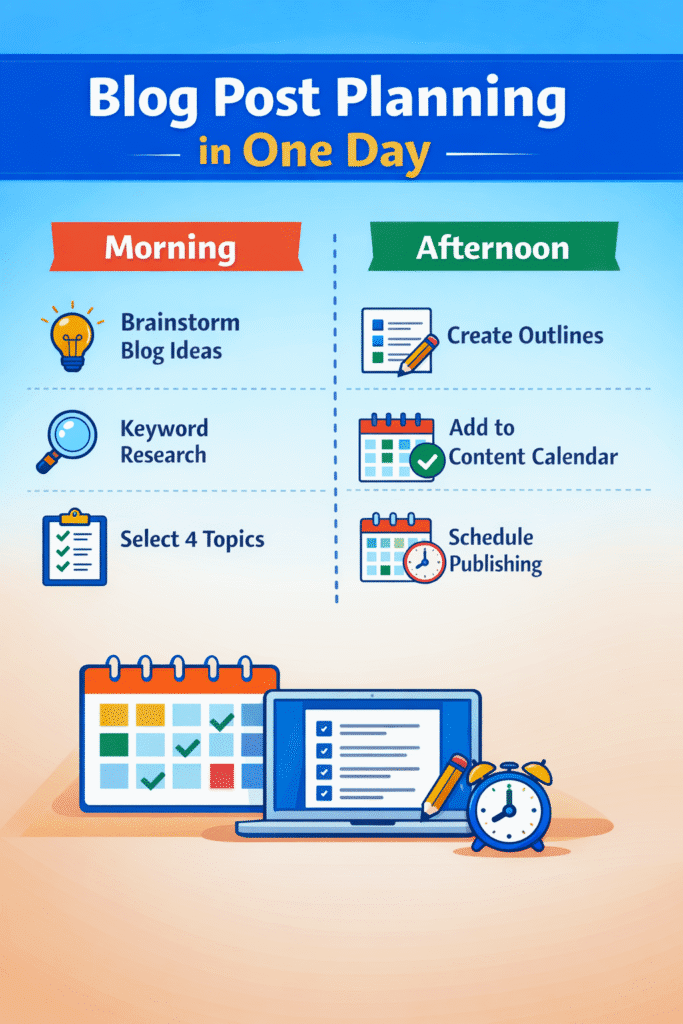
Here is a simple one-day workflow many bloggers use.
Assuming you publish one post per week, you will plan four articles.
Morning Session: Idea Generation and Keyword Research
| Time | Task | Goal |
|---|---|---|
| 8:00–9:00 | Brainstorm ideas | Generate 8–10 topics |
| 9:00–11:00 | Keyword research | Identify 4 target keywords |
| 11:00–12:00 | Topic selection | Choose final 4 articles |
Keyword research helps identify topics with realistic competition.
Afternoon Session: Outlining Your Posts
| Time | Task | Goal |
|---|---|---|
| 1:00–2:30 | Outline posts 1–2 | Create H2 and H3 sections |
| 2:30–4:00 | Outline posts 3–4 | Build logical article flow |
| 4:00–5:00 | Calendar setup | Schedule posts |
By the end of the day, your entire month of content is planned.
Creating a Simple Blog Content Calendar
A content calendar is the backbone of blog post planning.
Your calendar should include the following columns:
publish date
target keyword
article title
content type
publishing status
internal links
featured image idea
This simple system ensures every article fits your overall strategy.
Creating Thematic Consistency
Another effective strategy is grouping your articles by theme.
Example monthly structure:
Week 1 → SEO strategies
Week 2 → productivity tools
Week 3 → blog monetization
Week 4 → blogging workflows
This approach strengthens topical authority.
Turning Your Plan Into Published Content
Once the planning phase is complete, writing becomes much easier.
Instead of starting from scratch, you already have a clear outline.
Writing in Batches
Many bloggers write two articles in one session.
Later, they schedule time to edit and polish all posts.
Batching writing sessions improves consistency and tone.
Final SEO Optimization Before Publishing
Before publishing each article, complete a few SEO tasks:
write a meta description
add internal links
optimize images with alt text
check readability
For example, linking to related guides such as AI Writing Tools: How to Write Blog Posts Faster and Smarter helps strengthen your internal SEO structure.
Visual Optimization for Blog Posts
Images also play an important role in blog post planning.
Use images that represent your workflow.
Examples include:
a laptop with a content calendar
a Notion or Trello workspace
a blogging schedule
Recommended image guidelines:
1200 × 675 px
under 200 KB
descriptive filenames
Example filename:
blog-content-planning.jpg
Example Alt Text:
blogger creating a monthly blog content plan.
Long-Term Benefits of Blog Post Planning
Blog post planning changes how you approach blogging.
Instead of reacting to deadlines, you become a strategic creator.
Consistency builds trust with readers and search engines.
Clear planning improves content quality.
Most importantly, planning saves time and reduces stress.
Common Blog Post Planning Mistakes
Many bloggers struggle because they make small planning mistakes.
Examples include:
overplanning without execution
ignoring SEO keyword mapping
forgetting internal linking
abandoning the content calendar
A simple plan that you follow is far better than a perfect plan you never use.
Frequently Asked Questions
What is blog post planning?
Blog post planning is the process of organizing blog ideas, keywords, and publishing schedules in advance so creators can maintain consistency.
How far ahead should bloggers plan content?
Most bloggers plan one month of content ahead because it provides structure while remaining flexible.
Can I really plan a month of blog posts in one day?
Yes. By batching tasks like brainstorming and outlining, many creators can plan four articles in a single day.
What tools help with blog post planning?
Simple tools like Google Sheets, Notion, and Google Search Console are often enough for effective content planning.
Final Thoughts
Blog post planning does not add extra work.
Instead, it simplifies the entire blogging process.
When you dedicate one day to organizing ideas, keywords, and outlines, the rest of the month becomes much easier.
Less stress.
More creativity.
Better SEO results.
And most importantly, consistent publishing that helps your blog grow over time.